
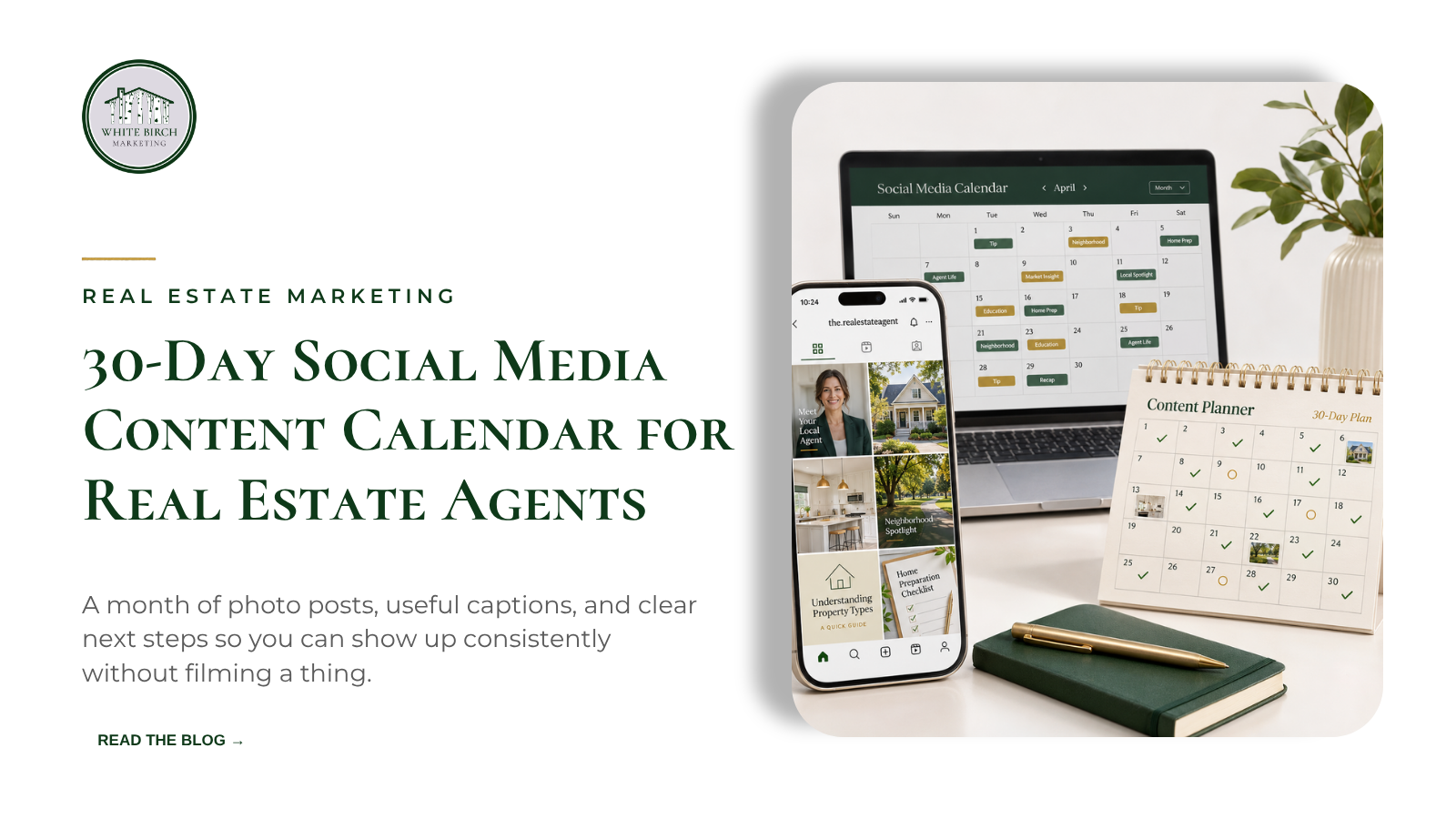
30-Day Social Media Content Calendar for Real Estate Agents
SARAH'S QUICK ANSWER
What should a real estate agent post for the next 30 days?
Build a real estate social media content calendar around buyer and seller questions, your process, verified local information, approved property photos, and your professional perspective. Plan one useful photo or static-image post each day. Give each a clear message and one next step. You do not need a new listing or a new video every day.
I’m Sarah Anstey, owner of White Birch Marketing. I help real estate professionals turn their expertise into a more consistent online presence. This 30-day calendar is how I would start organizing a month of useful content without making an agent add “full-time content producer” to an already crowded job description.
Because apparently the showings, paperwork, and client questions were not enough.
Below, you will find 30 single-photo or static-image ideas, image directions, hooks, caption starters, and calls to action. These are examples to adapt to your actual business. The caption starters are written for an agent to personalize. The guidance around them is my perspective as your social media strategist.
How to use this real estate social media calendar
Start on any date. Match the ideas to your service area, real questions, and approved media. Replace bracketed prompts before publishing and remove any statement that does not reflect how you work. All 30 ideas work as a single photo or single graphic. Reels and carousels can have their own separate plan.
Daily posting is the rhythm for this calendar, not a promise of reach, leads, or rankings. The goal is to publish something useful consistently, then review how your audience responds.
Choose a clear audience. Know whether the post is helping a buyer, a seller, or someone evaluating you as an agent.
Use media you can publish. Confirm permission for property photos, reviews, people, and professional imagery. Remove private information from screens and documents.
Check the facts. Verify property details and current status. Give market figures a source, geography, and reporting period. Follow your brokerage’s advertising requirements.
Give one next step. A question, save, website visit, or consultation invitation is enough. Avoid asking for five actions in one caption.
If planning is manageable but production keeps slipping, our real estate social media management explains the support available for agents and teams nationwide.
Your month at a glance
I would mix education, practical local knowledge, property information, and your voice. A feed made entirely of listings leaves people with a fairly limited introduction to the person they might hire.
A simple structure for 30 days of static real estate posts
Days | Main purpose | What the audience learns |
|---|---|---|
1 to 7 | Introduce and explain | Who you are and how you help people prepare |
8 to 14 | Show your knowledge | How you explain properties, process, and local context |
15 to 21 | Make the work tangible | How you answer questions and organize the working relationship |
22 to 28 | Help people consider next steps | What to investigate and discuss before a decision |
29 to 30 | Invite a conversation | What working with you could look like and how to start |
Keep this structure flexible. If a property’s status changes, update or replace the planned post. The calendar is supposed to help your business, not argue with it.
Days 1 to 7 Build familiarity and answer first questions
Day 1: Introduce the person behind the listings
Photo or image idea: A current, natural photo of you in your work setting.
Hook: Before we talk houses, here is how I work.
Caption starter: “I help [the clients you actually serve] navigate moves in [your actual service area]. My approach is [one truthful detail about your process]. Here is what you can expect when we work together: [specific example].”
CTA: Ask me a question about getting started.
Day 2: Answer a buyer question
Photo or image idea: One clean question-and-answer graphic.
Hook: What should you do before booking showings?
Caption starter: “Before planning showings, I like to understand your priorities, timing, and financing plans. The right preparation depends on your circumstances. Here are the first questions I would ask: [your process].”
CTA: Save this for your first planning conversation.
Day 3: Explain photo day preparation
Photo or image idea: An approved room photo with a short preparation checklist.
Hook: Listing photos start before the photographer arrives.
Caption starter: “For photo day, I ask sellers to [your actual preparation advice]. A little planning helps the photographer show the property clearly. Here is the checklist I use to guide that conversation: [three specific tasks].”
CTA: Ask for my photo day checklist, if you have one ready to share.
Day 4: Share a local resource
Photo or image idea: Your original photo of a public park, trail entrance, or community facility.
Hook: A local detail you might want on your list.
Caption starter: “[Resource] is located at [verified location]. Here is where to check current hours, access information, and any fees: [official source]. I enjoy sharing practical resources that help people learn about an area.”
CTA: Save the official link for a future visit.
Day 5: Explain one real estate term
Photo or image idea: A single definition graphic.
Hook: What does this real estate term actually mean?
Caption starter: “Today’s term is [term]. In this context, it means [accurate plain-language explanation]. The details depend on the transaction and the documents involved, so we would review what applies to your situation.”
CTA: Which term would you like explained next?
Day 6: Show your preparation
Photo or image idea: A photo of your workspace with private details removed.
Hook: A showing day starts before the front door opens.
Caption starter: “Before a showing, I review [your actual preparation steps]. I want the visit to help you evaluate the property against your priorities, not just remember the paint color. Here is what I suggest bringing: [useful item].”
CTA: Save this for your next showing.
Day 7: Invite a useful question
Photo or image idea: A photo of you with a short question overlay.
Hook: What part of buying or selling feels unclear?
Caption starter: “You do not need to have every step figured out before asking a question. Tell me the part of the process you would like explained. Please keep personal financial details and private transaction information out of the comments.”
CTA: Leave a general question below.
Days 8 to 14 Show your knowledge and perspective
Day 8: Feature one property detail
Photo or image idea: An approved photo highlighting an actual layout or feature.
Hook: One property feature worth a closer look.
Caption starter: “This [verified feature] offers [accurate description of the space or function]. Rather than relying on a wide-angle photo alone, here is what I would want you to understand about it: [specific detail].”
CTA: Contact me for current property information.
Day 9: Share seller preparation advice
Photo or image idea: One simple checklist graphic.
Hook: Before choosing a list date, have this conversation.
Caption starter: “Timing involves more than picking a Friday. I would discuss preparation, required information, your next move, and the current listing process. Here are three things I would want to understand first: [your questions].”
CTA: Save this before planning your sale.
Day 10: Share a buyer priority exercise
Photo or image idea: A notebook photo with three readable categories.
Hook: Must have, nice to have, and probably not happening.
Caption starter: “Before touring, write down your priorities. Separate essential needs from preferences and questions to investigate. It gives us a useful reference when a beautiful kitchen tries to take over the entire decision.”
CTA: Choose your three most important priorities.
Day 11: Explain your communication process
Photo or image idea: Your photo beside a phone, with no real client messages visible.
Hook: Here is how I keep a transaction conversation organized.
Caption starter: “When we work together, we agree on [your actual communication process]. I want you to know how updates happen and where to bring questions. Specific expectations make the working relationship clearer.”
CTA: Ask how communication would work for your move.
Day 12: Give current market context
Photo or image idea: A single chart using verified local data, with its source, area, and reporting period shown.
Hook: One market number needs some context.
Caption starter: “In [area] during [period], [verified metric]. Here is what that measures and what it does not tell us about an individual property: [accurate explanation]. A market statistic is useful context, not a personalized valuation.”
CTA: Ask which information is relevant to your plans.
Day 13: Explain an open house visit
Photo or image idea: An approved property photo or a simple preparation graphic.
Hook: What should you pay attention to at an open house?
Caption starter: “Look beyond the furniture. Consider [relevant property questions], take permitted notes, and ask about information you need to investigate further. I would compare the visit with your priorities rather than deciding from one attractive room.”
CTA: Save this for your next property visit.
Day 14: Share your professional perspective
Photo or image idea: A different natural portrait of you.
Hook: One thing I want clients to understand before we start.
Caption starter: “[Explain one truthful professional principle and what it looks like in your process.] This matters because [practical reason]. My goal is to make the next step understandable, even when there are several moving parts.”
CTA: What would you want to know before choosing an agent?
Days 15 to 21 Explain the work and build confidence
Day 15: Answer a common misconception
Photo or image idea: One myth-and-explanation graphic.
Hook: A common real estate assumption deserves a closer look.
Caption starter: “I hear [a question you genuinely receive]. The useful answer depends on [relevant factors]. Before making a decision, I would review [appropriate information or professional input] with you.”
CTA: Save this question for your next agent conversation.
Day 16: Introduce a helpful professional role
Photo or image idea: An approved professional photo, used with permission.
Hook: Who does what during a real estate transaction?
Caption starter: “A [professional role] helps with [accurate description]. Their role differs from mine in these ways: [brief explanation]. Knowing who handles which questions helps you get the right information.”
CTA: Which role would you like me to explain next?
Day 17: Show a practical home feature
Photo or image idea: An approved detail photo of storage, access, or a floor plan.
Hook: A useful feature can be easy to miss in the photos.
Caption starter: “This [actual property feature] is worth discussing because [factual explanation]. Measurements, access, and permitted use should be verified where relevant. Here is one question I would ask during a visit: [question].”
CTA: Add this question to your viewing notes.
Day 18: Explain listing information updates
Photo or image idea: A branded graphic with a fictional property status labeled as an example.
Hook: Property information can change. Here is where to check.
Caption starter: “A social post is a snapshot in time. For a property you are considering, confirm current status, price, showing arrangements, and details through the current listing information and the appropriate agent.”
CTA: Contact me for the current details before making plans.
Day 19: Share a real review with context
Photo or image idea: A genuine review graphic with permission and accurate attribution.
Hook: What working together felt like, in a client’s words.
Caption starter: “[Exact approved review excerpt.] This relates to [service or process]. Here is one part of that process a future client may want to understand: [truthful explanation]. Every transaction has its own circumstances.”
CTA: Read about how I work, or ask a process question.
Day 20: Explain the first seller meeting
Photo or image idea: Your photo at a table with a blank planning sheet.
Hook: What happens in our first seller conversation?
Caption starter: “We discuss [your actual meeting agenda], the information available, and what you want to accomplish. You can bring questions before making any commitment. Here are two things that help me prepare: [your actual requests].”
CTA: Ask what to bring to a seller consultation.
Day 21: Share a second local resource
Photo or image idea: An original photo of a library, public facility, or public event location.
Hook: A practical local resource to bookmark.
Caption starter: “If you need information about [resource], start with [official source]. Check [hours, registration, or access details] before going. I like giving people useful ways to explore an area for themselves.”
CTA: Save the source for later.
Days 22 to 28 Help people plan their next step
Day 22: Explain a next-step checklist
Photo or image idea: One buyer planning checklist graphic.
Hook: You are interested in buying. What happens next?
Caption starter: “Start with a conversation about your timing, priorities, and the professionals involved. My process begins with [your actual steps]. We would tailor the next actions to your situation rather than treating a checklist as individual advice.”
CTA: Ask about arranging an initial conversation.
Day 23: Answer a preparation question
Photo or image idea: An approved home detail photo.
Hook: Should you repair that before listing?
Caption starter: “That deserves a property-specific conversation. I would want to understand the issue, available information, your circumstances, and any relevant professional recommendations. A general social post cannot evaluate an individual repair decision.”
CTA: Write down the issue to discuss at your listing meeting.
Day 24: Explain a common document stage
Photo or image idea: One simple process graphic without real documents.
Hook: Here is why I explain the paperwork before the deadline.
Caption starter: “Understanding what you are reviewing matters. I walk clients through [your actual process] and identify questions that need the appropriate professional. I do not want an unfamiliar term becoming a last-minute surprise.”
CTA: Keep a running list of document questions.
Day 25: Show the work between appointments
Photo or image idea: A candid work photo with permission and private details removed.
Hook: The work does not stop when the showing ends.
Caption starter: “Between appointments, I may be [tasks you actually perform]. Here is how one of those tasks supports the next step in my process: [specific explanation]. The calendar shows the appointment. It does not show all the preparation.”
CTA: What behind-the-scenes step would you like explained?
Day 26: Give one property more context
Photo or image idea: A different approved photo of a current listing, or a labeled educational property example.
Hook: Here is a different question to ask about this space.
Caption starter: “Instead of repeating the listing description, let’s look at [verified feature or layout question]. Here is what the photo shows and what we would need to confirm in person or through reliable records: [details].”
CTA: Ask for the current listing information if this is an active property.
Day 27: Share a decision framework
Photo or image idea: A photo of a notebook with “Priorities, questions, next step.”
Hook: A property decision deserves more than a quick scroll.
Caption starter: “Compare the information with your priorities. Write down unanswered questions and identify what needs verification. My role includes [your actual support]. It is perfectly reasonable to need more information before deciding what comes next.”
CTA: Save this framework for your property search.
Day 28: Invite questions from future sellers
Photo or image idea: Your portrait with one readable seller question.
Hook: Thinking about selling later? You can start with questions now.
Caption starter: “You do not need a finished moving plan to ask about the process. We can discuss what information would help you prepare and what needs to be assessed closer to your intended timing.”
CTA: Ask about a seller planning conversation.
Days 29 and 30 Make a clear invitation
Day 29: Share what clients can expect
Photo or image idea: A single three-point graphic based on your actual service.
Hook: Before choosing an agent, understand how they work.
Caption starter: “Ask about communication, preparation, responsibilities, and how questions are handled. Here is what those look like in my practice: [truthful specifics]. I want people to understand the working relationship before deciding whether it fits.”
CTA: Ask me about the part of the process that matters most to you.
Day 30: Make a clear invitation
Photo or image idea: A warm, current agent portrait with one simple CTA.
Hook: Ready to talk through your next move?
Caption starter: “If you are considering buying or selling in [your actual service area], let’s discuss your timing, priorities, and the questions you want answered. We can start with a conversation and identify a sensible next step.”
CTA: Use my profile link to arrange a conversation.
How I would prepare a month of posts without starting from scratch daily
A useful plan puts the decisions in one place before the week gets busy. I would use a simple spreadsheet with columns for the date, topic, photo, caption, CTA, destination link, approval status, and scheduled status.
Collect the facts and media. Gather current portraits, approved property photos, original local images, and the questions you actually hear. Match every photo to an idea instead of choosing it only because the colors look nice.
Write in small groups. Work through several buyer questions together, then seller questions and process posts. Keep your actual voice and local details. You should recognize yourself in the captions.
Review before scheduling. Check facts, permissions, links, legibility, and brokerage requirements. A graphic that needs to be enlarged six times is asking a lot of someone waiting for coffee.
Leave room for change. Keep a few evergreen posts ready when a listing update becomes inaccurate or a planned photo cannot be used.
Check in after publication. Know who will respond to comments and messages. A scheduled post does not answer an inquiry for you.
My take: Your content calendar should reduce daily decisions. If every scheduled post still requires a frantic search for a photo, you have a list of ideas. You have not quite built the publishing system yet.
What to post when you have no new listings
Use your expertise. Buyer preparation, seller questions, your communication process, local resources, and explanations of common terms remain useful when you have no new property to announce.
This calendar includes property-specific slots, but each can become an educational post when you lack an approved current listing. For example, Day 8 can explain how you evaluate a floor plan using your own labeled teaching graphic. Do not borrow another agent’s listing photos and hope nobody notices. Permission is rather relevant.
If you need focused support for active properties as well as your everyday presence, review the Listing Launch Plan or the Real Estate Team Package. Those are different jobs from simply filling the next available square on a content calendar.
How to measure whether your consistency is helping
At the end of the month, review the questions people asked, relevant messages, saves, profile visits, website visits, and consultations attributable to your content where you can track them. Compare topics and CTAs, not just the total number of posts.
If buyer explanations earn useful questions, plan more of them. If a post receives attention but no relevant response, look at who it reached, what it explained, and whether the next step made sense. Do not treat every quiet post as a reason to rebuild the entire brand on Thursday.
Daily publishing gives you a working rhythm to evaluate. Content quality, relevance, distribution, and the follow-up process still matter. Posting frequency alone cannot guarantee an inquiry or a closing.
Do you need a calendar or someone to handle the content
If you have time to personalize and publish, a framework may be enough. Content Club Plus is our separate DIY option. You customize and publish the content.
If planning, writing, designing, and publishing keep losing to client work, compare our real estate social media management plans. Your agreed scope determines the platforms, content, and support. You still provide accurate business information, approved assets, and feedback.
I work with agents and teams across the United States through remote collaboration. Your local expertise stays part of the content. We discuss the work you want handled and the input we need from you. Our working process explains that handoff.
Frequently asked questions
What is a real estate social media content calendar?
It is a schedule that assigns a topic, image, caption, CTA, and publishing date to each post. A useful calendar also tracks the source information, approval, and scheduling status so ideas can become finished posts.
Should real estate agents post every day?
Daily posting can be a practical rhythm when you can maintain useful, accurate content and respond to your audience. This guide provides that daily structure. Review your own results and capacity rather than assuming a particular frequency guarantees reach or clients.
Can I use this calendar without filming Reels?
Yes. Every day in this plan uses one photo or one static graphic. You can build a separate video plan later without delaying the photo content you can publish now.
Can I use the same idea on Facebook and Instagram?
Yes, when it suits both audiences. Adapt the caption and next step. A Facebook post can use a relevant clickable link; for an Instagram feed caption, direct readers to an appropriately labeled profile link instead of relying on a clickable caption URL.
What should I post if I have no active listings?
Answer buyer and seller questions, explain your process, share verified local resources, and show your professional perspective. Replace property-specific slots with labeled educational examples using media you have permission to publish.
Can White Birch create and publish the posts for me?
Yes. Our managed real estate social media services cover the work in your selected scope. A DIY membership is different because you personalize and publish. Compare the current options or arrange a real estate consultation to discuss the help you need.
Let’s make your next month easier to manage
You do not need to wake up with a new content idea every morning. You need a useful plan, approved material, and a process that gets the work finished.
If you want help turning your expertise into a consistent presence, book a real estate consultation with me. We can discuss your audience, the work you want off your plate, and the right next step.